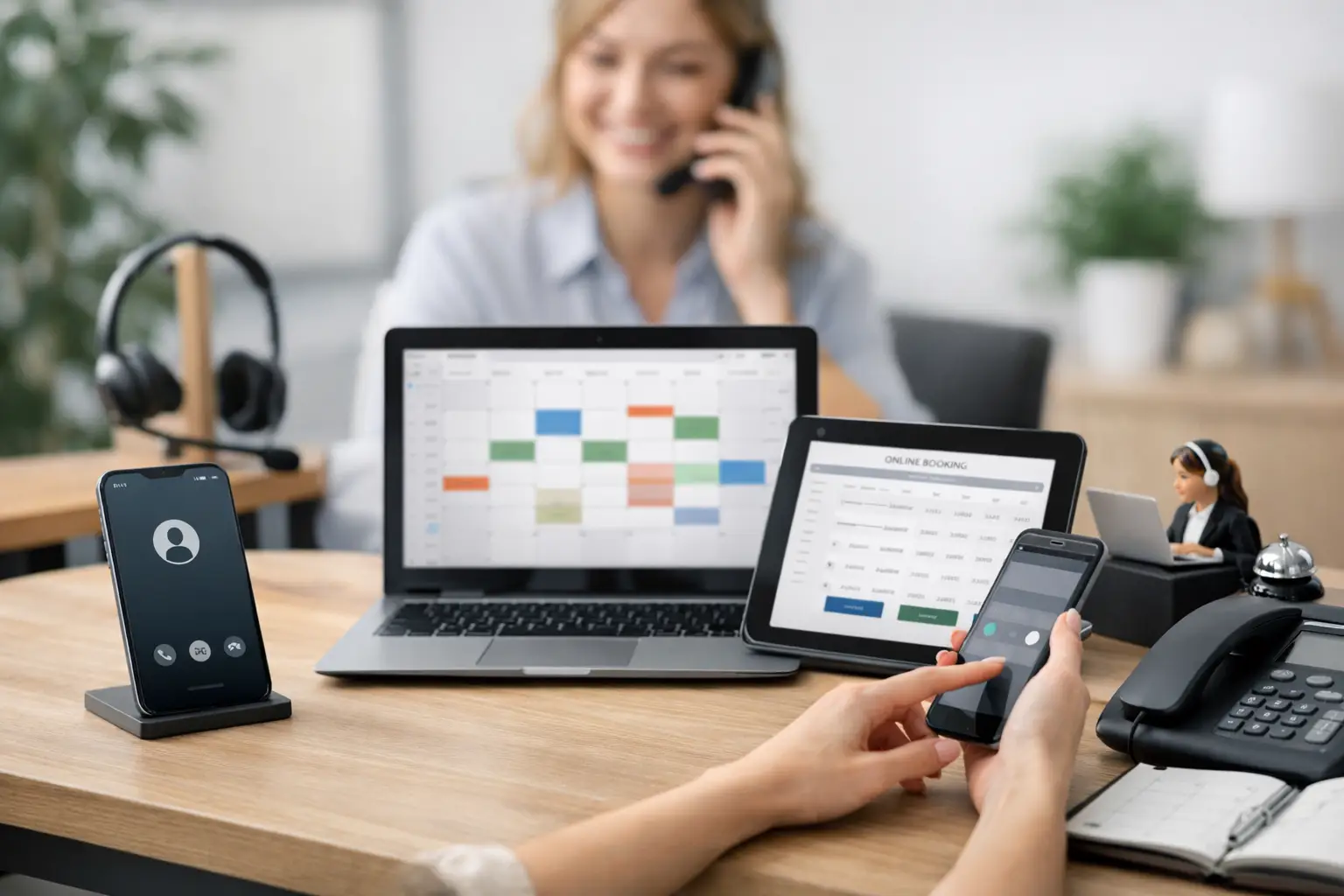
A missed call at 6:15 p.m. is rarely just a missed call. For a plumbing company, it may be a burst pipe and a high-value emergency job. For a dental office, it may be a patient ready to schedule. For a property manager, it may be a tenant issue that cannot wait until morning. The best answering service alternatives do more than take a message. They help the caller reach the right next step while the opportunity is still live.
Traditional answering services can be useful, especially when a business needs basic overflow coverage. But many operators eventually run into the same limits: agents who cannot see live availability, generic scripts, incomplete lead details, and messages that still require someone to call back. If your phones drive appointments, service jobs, or consultations, the alternative you choose should be measured by one outcome: how many qualified callers get handled and booked on the call.
Why businesses look beyond a traditional answering service
A conventional service typically provides a live person who follows a script, captures information, and relays a message. That model can create a more professional experience than voicemail, but it often adds another handoff. The caller explains the issue, the service sends a note, and your team has to return the call before any appointment is set.
That delay matters when callers are contacting several businesses. A homeowner with no heat is not usually waiting for a callback. Neither is a prospective patient who has found an open appointment elsewhere. Fast response protects revenue, but it also gives callers confidence that your business is organized and available.
The right model depends on your call volume, hours, service complexity, and the cost of a missed opportunity. A small office with occasional after-hours calls may only need message coverage. A busy HVAC company, clinic, or real estate team may need a front desk that can qualify callers, schedule from a live calendar, and escalate urgent requests immediately.
7 answering service alternatives to consider
1. Hire an in-house receptionist
An in-house receptionist offers direct control and a human presence at the front desk. They can learn your customers, understand your priorities, and handle work that extends beyond the phone. For offices with a steady daytime call load and frequent walk-in traffic, that can be the right investment.
The trade-off is coverage. One employee cannot cover lunch, sick days, vacations, evenings, weekends, and overnight emergencies without support. Hiring also brings recruiting, training, payroll, and turnover costs. An in-house receptionist works best when paired with a reliable overflow plan, not as the only answer to every call.
2. Use a shared administrative team
Some businesses distribute phones across dispatchers, coordinators, office managers, or sales staff. This can work when call volume is light and everyone has access to the same scheduling and customer information.
The problem appears during busy periods. Staff members may be helping a customer at the counter, managing a job, or driving between appointments when the phone rings. Calls become an interruption instead of an assigned responsibility. Without clear ownership, callers get voicemail, rushed answers, or inconsistent follow-up.
A shared team is most effective when call routing rules are simple and there is a designated backup. It is less reliable for businesses that cannot afford to miss urgent or high-intent inbound leads.
3. Build a phone tree or IVR menu
An IVR menu can direct calls by department, location, or request type. It is affordable and useful for organizations with predictable routing needs. A caller can press one for billing, two for scheduling, or three for emergency service.
However, a menu does not understand context. It cannot clarify whether a caller has a leaking water heater, needs a same-day dental visit, or is calling about an existing estimate. Long menus can also frustrate people who simply want to speak with someone and get help.
Use an IVR when the main goal is basic call distribution. It is not a strong replacement for a front desk when calls require qualification, reassurance, appointment booking, or business-specific answers.
4. Rely on voicemail with a callback process
Voicemail is the lowest-cost option, and every business should still have a clear process for it when necessary. It can capture calls during rare outages or unusual situations. But it should not be the main customer experience for an appointment-driven business.
Voicemails are often incomplete. Callers may not leave a message, may leave the wrong number, or may contact a competitor before your team responds. Even a disciplined callback process cannot recreate the momentum of a caller who was ready to book right now.
If voicemail remains part of your operation, set response ownership, response-time expectations, and escalation rules. Then track how many messages turn into scheduled work. Most businesses are surprised by how much lead value disappears between the missed ring and the return call.
5. Use self-service voice AI software
Self-service AI tools can give businesses a fast way to set up automated call handling. They may be a fit for teams with internal technical resources, standardized workflows, and time to write scripts, test edge cases, review transcripts, and tune the system over time.
The trade-off is that phone coverage becomes another project for your team to manage. Someone still needs to decide what happens when a caller has an unusual question, asks for a specific technician, wants to reschedule, or reports an urgent problem. A tool can be capable, but capability alone does not create a dependable customer experience.
This option works best for businesses that want hands-on control and can maintain it. If your office is already stretched thin, a managed model may be more practical.
6. Add a managed AI virtual receptionist
A managed AI virtual receptionist is designed to operate more like an always-available front desk than a message-taking service. It answers on the first ring, identifies the caller's purpose, collects the right details, answers approved business questions, checks live availability, and books appointments when the request qualifies.
The value comes from the operating rules behind the call. A plumbing business may need emergency leak calls transferred immediately while routine estimates are scheduled into open windows. A clinic may need insurance questions handled carefully, new-patient information captured, and clinical emergencies routed according to established instructions. The system needs to reflect how your business actually works, not force callers through a generic script.
Voicy is one example of this managed approach. The service is configured around your phone number, hours, FAQs, calendar, routing rules, and escalation requirements, then monitored and refined after launch. Your team receives call summaries, transcripts, and structured lead details instead of a pile of vague messages.
7. Use a hybrid coverage model
For many growing businesses, the strongest option is not one replacement but a deliberate combination. Your in-house team can handle complex daytime calls and customer relationships, while a virtual receptionist covers overflow, lunch breaks, after-hours calls, and weekends. Priority calls can still transfer to an on-call manager or dispatcher.
This approach gives you flexibility without asking employees to be available every hour of every day. It also creates continuity. Callers get a consistent response whether they reach you at 10 a.m. on a Tuesday or 9 p.m. on a Saturday.
What to require from an answering service alternative
Before choosing a solution, follow the path of a real call from start to finish. Do not stop at "the call gets answered." Ask what happens after a homeowner says, "My AC stopped working," or a new patient asks for the soonest appointment.
A strong solution should capture the caller's name, phone number, location, service need, urgency, preferred timing, and relevant job details. It should know when to book, when to transfer, when to take a message, and when to escalate. It should also deliver that information where your team already works, whether that means a calendar, CRM, dispatch system, or email notification.
Pay close attention to live calendar access. If a service cannot see real availability, it may only create another scheduling task for your staff. Also ask how it handles exceptions: service areas you do not cover, callers requesting quotes, repeat customers, emergency keywords, and compliance-sensitive conversations. The best call handling sounds calm and helpful because the rules are clear before the phone rings.
Choose coverage based on the cost of delay
The cheapest option is not always the least expensive. If one lost emergency job, consultation, or new patient appointment costs more than a month of call coverage, the decision should be based on revenue protection rather than a per-call price alone.
Start with your missed-call reality. Review when calls arrive, how quickly your team returns messages, and which calls should be booked or escalated immediately. Then choose coverage that matches the way your business sells and serves. When every caller gets a useful next step, your phone line stops being a source of interruptions and starts working like a full front-desk team.