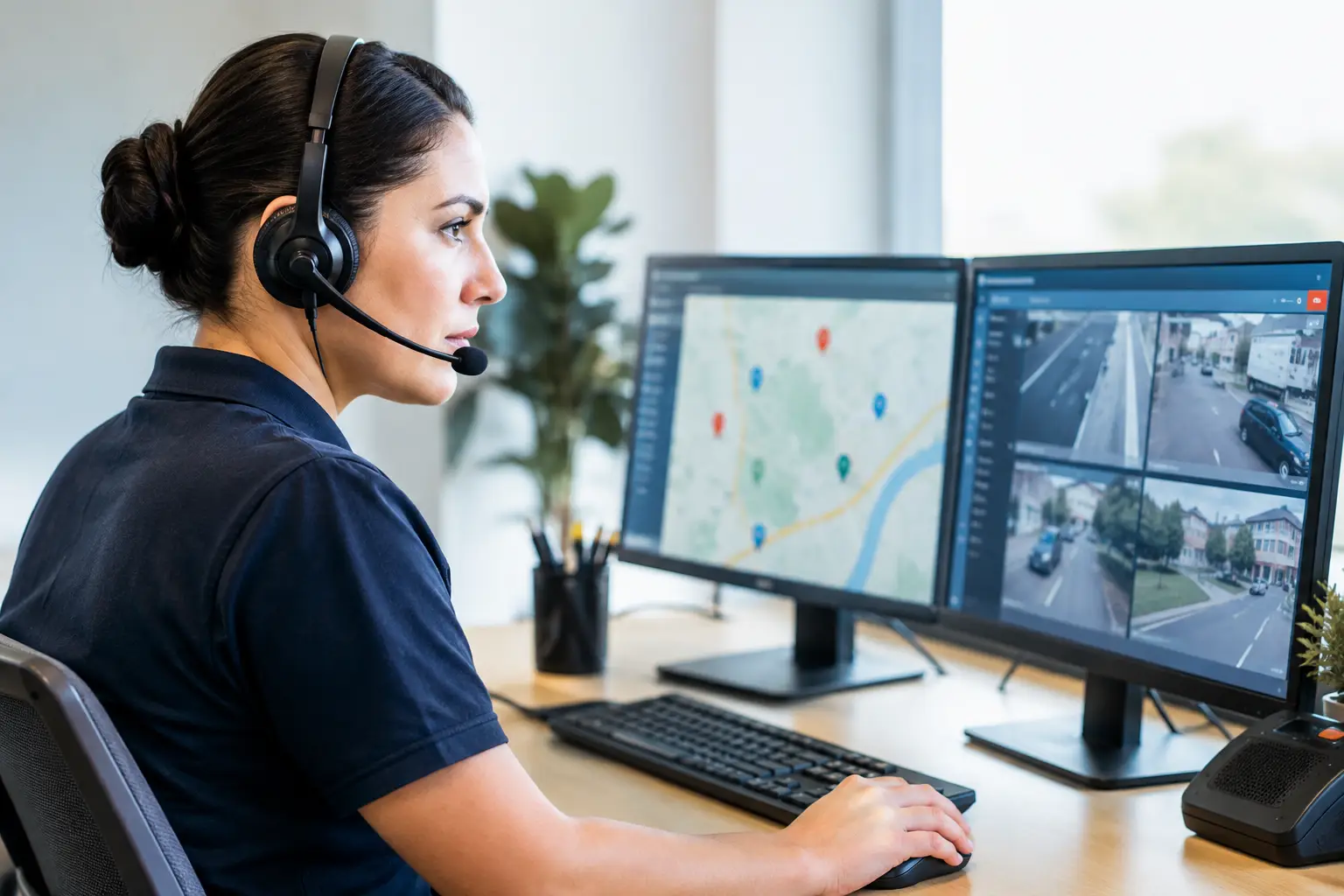
A burst pipe at 11:40 p.m. is not a voicemail opportunity. Neither is a no-heat call during a winter cold snap, an electrical safety concern, or a patient trying to reach an on-call provider. The best emergency dispatch systems make sure urgent callers reach the right next step immediately - not a generic recording, an overloaded office manager, or a callback queue that starts the next morning.
For small and mid-sized service businesses, emergency dispatch is less about buying the most complicated software and more about building a dependable call flow. The right system answers fast, identifies urgency, captures accurate details, follows your escalation rules, and either dispatches the right person or books the next available appointment. It should work when your office is busy, closed, or short-staffed.
What an Emergency Dispatch System Must Do
An emergency dispatch system is the process and technology used to receive urgent calls, assess the situation, notify the right person, and document what happened. For a plumbing company, that may mean collecting the service address, confirming whether water is actively leaking, and alerting the on-call technician. For a clinic, it may mean recognizing a scheduling issue versus a true medical emergency and following approved escalation language.
The distinction matters. A system built for public safety 911 operations is not the same as one built for a local HVAC, dental, property management, or home-service business. Commercial businesses need a system that protects revenue and customer trust while clearly directing life-threatening emergencies to 911 or the appropriate emergency services.
The best setup does not treat every after-hours call the same. A customer with a flooded basement needs a different response than someone requesting an estimate next week. Good dispatch starts with clear call classification.
The Best Emergency Dispatch Systems Have These Capabilities
The strongest systems combine dependable phone coverage with rules that reflect how your business actually operates. A simple answering service can take a message. A capable dispatch workflow moves the call forward.
Immediate Answering and Call Classification
Speed is the first requirement. Urgent callers often call the next business if they hear a long hold time or voicemail greeting. Your system should answer on the first ring or as quickly as possible, ask focused questions, and identify the purpose of the call.
For example, an HVAC workflow might distinguish between no heat, no cooling, a gas smell, routine maintenance, and a new-installation estimate. Each category should trigger a specific next step. Gas smells or immediate safety risks require clear instructions to contact 911 or the local utility provider, not a standard service booking.
Rules-Based Escalation
Dispatch fails when the person or system answering the phone has to guess. Define what qualifies as an emergency, who is on call, what information they need, and how long the caller should wait for a response.
A practical escalation rule could be: active water leak plus an occupied property equals immediate on-call technician notification. A minor drip with a shutoff valve available may receive next-day scheduling instead. The right answer depends on your service area, staffing, service agreements, and the caller's circumstances.
Your system should also have a backup path. If the first technician does not acknowledge the call, the workflow should notify a second contact or supervisor. One text to one person is not a dispatch plan.
Accurate Information Capture
A technician cannot act on “customer has an emergency.” The dispatcher needs the caller's name, callback number, address, service issue, relevant safety details, preferred access instructions, and any account or property information your team requires.
This information should arrive in a usable format. A structured summary is far more useful than a rushed voicemail, especially when a technician is driving between jobs. Call transcripts can add useful context, but the urgent details should be easy to scan at a glance.
Live Scheduling When an Emergency Is Not Immediate
Many after-hours calls are urgent to the caller without requiring a middle-of-the-night dispatch. That does not make them unimportant. If the next appropriate step is an appointment, the system should see live availability and book it during the call.
This keeps the caller from starting their search over with a competitor. It also prevents morning staff from sorting through vague messages and playing phone tag while the calendar fills up.
Routing That Matches Your Team
Some businesses need technician alerts by text. Others need calls transferred to an on-call phone, a property manager, a care coordinator, or a branch office. The best emergency dispatch systems support the routing method your team will actually respond to.
Avoid building a workflow around tools that look impressive but create extra steps for the field team. If technicians reliably check text messages but ignore a separate app after hours, use text-based escalation. The system should fit the operational reality, not force a new habit during a high-pressure moment.
Choose the Right Type of Dispatch Coverage
There is no single winner for every business. The best option depends on call volume, the severity of the situations you handle, and how much control you need over customer conversations.
A traditional live answering service can work well when callers need empathy and there are many unusual situations that require human judgment. The trade-off is consistency. Agents may not know your current schedule, services, pricing boundaries, or field team unless the provider maintains detailed and current instructions.
Dispatch software can be effective for organizations with dedicated teams, multiple technicians, and established operating procedures. It often provides job tracking, technician status, and reporting. The trade-off is that software alone does not answer a ringing phone. Someone still needs to handle the initial conversation.
An AI voice agent is often the strongest fit for appointment-driven small businesses that need immediate coverage without staffing a full overnight reception desk. It can answer every call, follow business-specific emergency rules, collect the right details, send notifications, transfer priority calls, and schedule non-emergency work from live calendar availability. The key is implementation. A generic bot with generic questions will frustrate callers. A managed system configured around your services, on-call roster, terminology, and escalation requirements can provide a far more reliable front line.
Voicy, for example, is designed as a managed front-desk service rather than self-service software. It can operate through your existing business number, answer urgent calls 24/7, follow routing rules, and deliver the call summary and lead details your team needs to act fast.
Questions to Ask Before You Buy
Before selecting a provider, walk through real calls your business receives. Do not settle for a generic product demo. Ask how the system handles an active leak, a lockout, a missed appointment, a caller who needs a same-day visit, and a caller reporting a possible safety risk.
Look for clear answers to these operational questions:
- Can it distinguish emergencies from standard service requests using your definitions?
- Can it transfer, text, or notify the correct on-call person based on time, service type, and location?
- Does it use live calendar availability to book qualified calls immediately?
- What happens if the first contact does not respond?
- How are call recordings, transcripts, consent notices, and customer data handled?
- Can staff update holiday hours, technician schedules, and escalation rules without disrupting coverage?
Also consider how the system will sound to your customers. A caller with an urgent problem should not have to navigate a long menu or repeat the same details to three people. The conversation should be calm, direct, and built around getting help moving.
Build the Workflow Before the Emergency Call Arrives
The technology matters, but the workflow matters more. Start by documenting your emergency categories, safety language, on-call contacts, notification order, booking rules, and business hours. Review the plan with the people who will receive escalations. If they are unclear about what happens after a notification, your callers will feel that confusion.
Test the call flow after hours. Place a sample call for each scenario and verify that the summary is complete, the right person is alerted, and the appointment reaches the correct calendar. Then review calls regularly. An escalation rule that worked in summer may need adjustment during peak heating season, storms, or staffing changes.
The most effective dispatch system is the one that gives every urgent caller a clear next step while giving your team the information and time to respond. When the phone rings after hours, your business should already be ready to answer.